THE PERFECT LIESimulator golf, fully coveredBuilt with HRVSTR

NEWSROOM

1 story this week1 new today

Trackman’s September updates put indoor measurement and maintenance in the same conversation cover
Back to The Perfect Lie

Trackman’s September updates put indoor measurement and maintenance in the same conversation

Trackman has added new indoor simulator guidance while continuing to push its combined radar, camera and software approach.

Share this article

FacebookLinkedInXEmail
  1. Trackman’s latest simulator material puts two practical questions side by side: how an indoor system measures a shot, and how an owner keeps those measurements dependable. The company’s September 10 product guidance highlights the role of radar and cameras, while its maintenance checklist turns that promise into a list of work a bay owner can actually perform.

    The distinction matters because a launch monitor can be technically capable and still produce poor sessions when the installation drifts, the lens is dirty or the computer is overloaded. Trackman’s own materials describe those as operating conditions rather than marketing footnotes.

  2. The hardware is only one part of the result

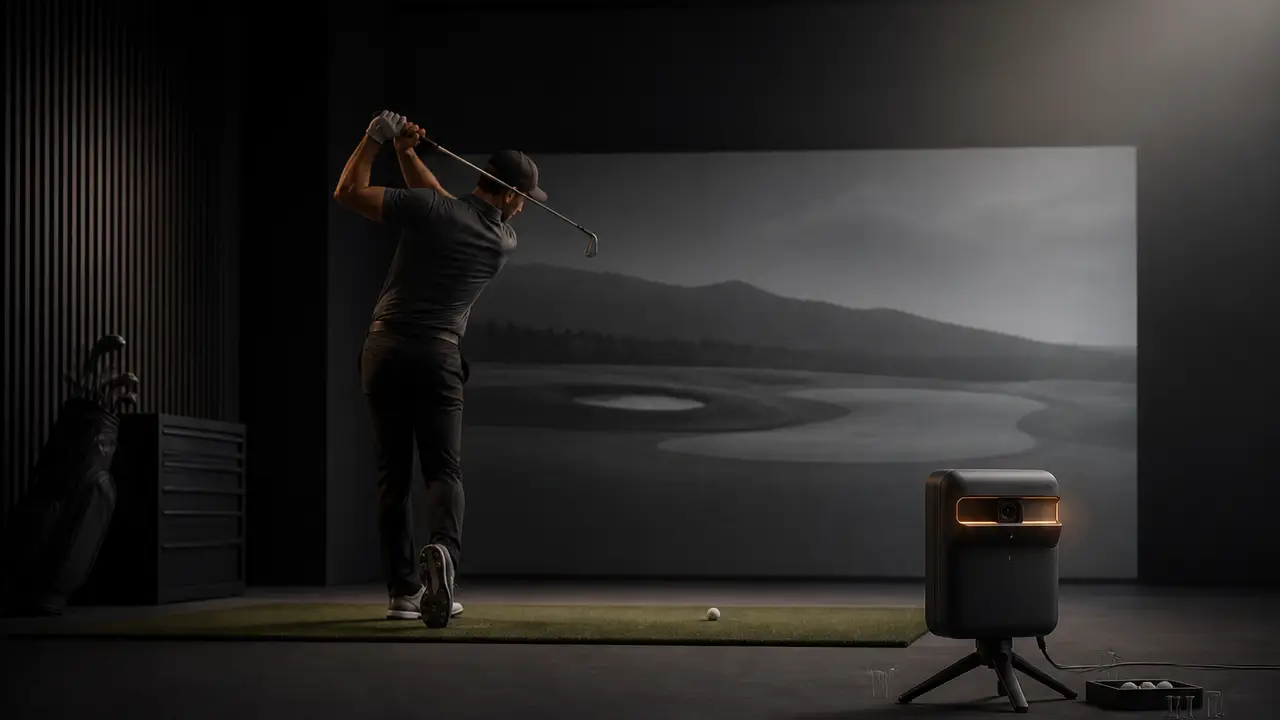
    Trackman describes its indoor approach as a combination of radar and camera information. The system still needs a clear physical setup, stable networking and a computer that can keep up with the software. That makes indoor accuracy a system question: the monitor, mounting position, impact screen, tee area and PC all affect what a golfer sees.

    Independent simulator coverage reaches a similar practical conclusion from the buyer’s side. Golf Monthly describes Trackman 4 as a premium dual-radar system with camera sensors, a deep course library and strong practice tools, while also making the cost obvious. The product is aimed at golfers who value the data and ecosystem enough to pay for them.

  3. The checklist is part of the product

    Trackman’s maintenance guide calls for a gigabit connection between the iO unit and PC, regular reboots, clean lens windows, a secure mount and a screen without excessive slack. It also asks owners to keep free drive space, update the PC and graphics software, and control dust and heat. None of those steps is glamorous, but each can affect whether a session feels consistent.

    The useful takeaway for a simulator buyer is to budget for the room and the routine, not just the launch monitor. A strong sensor cannot correct a loose screen or an unstable network. Before comparing course counts, ask who will install the system, how calibration will be checked and who handles the next failure. That is where the premium experience is either protected or lost.